01
For school leaders
See teaching activity, assignments, grades, fees, and engagement without requesting another spreadsheet.
SchoolDuty brings courses, classes, materials, schedules, and assignments into one learning workspace — then gives every course Lexi, an AI assistant that answers from the content your teachers publish, not the open internet.
Set up in minutes · No installation required · Invite your team later
Answers stay tied to the selected course and its published materials.
The problem
Teachers publish materials in one place, schedules live somewhere else, assignments arrive through messages, and students turn to generic AI tools that do not understand the course.
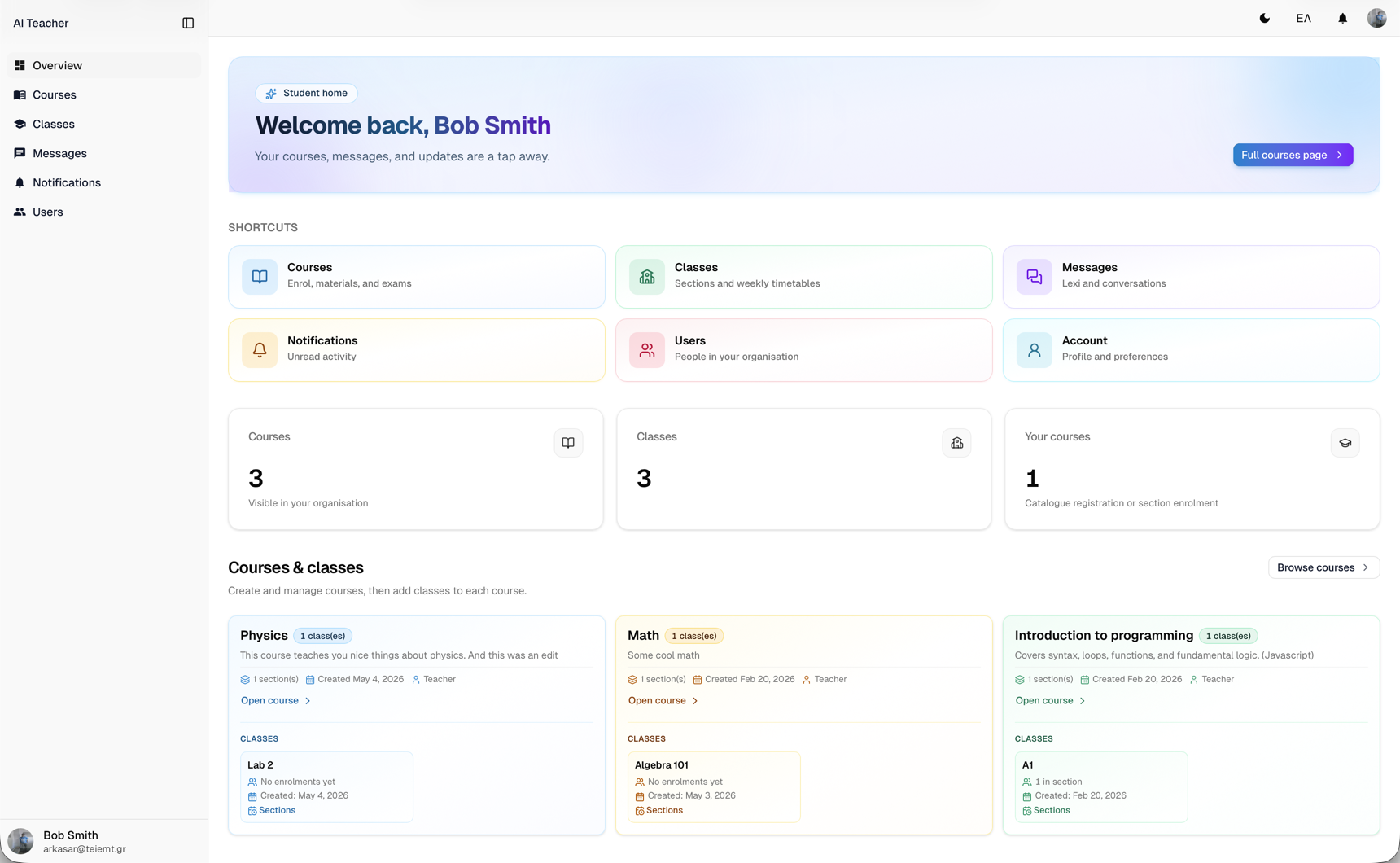
Courses, classes, schedules, assignments, grades, and materials stay connected in a single workspace.
Lexi answers from teacher-approved lessons and PDFs — not from the open internet.
Track assignments, grades, engagement, and institutional activity from one overview.
What you get
Replace scattered tools with one home for curriculum, scheduling, assignments, analytics, and a course-grounded AI assistant — shaped around how your institution teaches.
Build courses, sections, and enrollments that mirror how your school actually runs — with weekly timetables attached to every class.
Structure each course into chapters with rich-text lessons, and keep PDF materials attached to the same course — one editor for the whole curriculum.
Create homework and projects with due dates, collect submissions, and grade with feedback — students track it all from their own view.
Every class session rolls into one calendar — month, week, or list — so staff and students always know what's next.
Course-scoped chat with attachments, plus optional voice input and read-aloud — answered from the materials you publish.
Owners and admins see people growth, grade trends, assignment health, fee balances, and learner engagement in one overview — with 7, 30, or 90 day ranges.
Assignments and exams feed XP, levels, streaks, and badges — not busywork points. Students climb a season leaderboard as themselves, or under a fictional organisation name they invent.
Bring Lexi into a virtual or augmented classroom when the learning experience calls for it — same course scope, same answers.
Grounded intelligence
Answers based on your approved course content.
Select a course and ask naturally. Lexi uses its uploaded PDFs and structured lessons as context, keeping help relevant to the material your institution has chosen.
Lexi
Scoped to a course
Generic AI vs Lexi
Retrieval starts from the PDFs and structured lessons you upload, so answers reflect your institution's materials.
Every conversation picks a course first, keeping help inside that offering rather than open-ended chat.
Optional speech input and spoken replies make the assistant easier to use — and great for language practice.
Meet the same assistant as a 3D avatar in a virtual classroom, or place it in your space with handheld AR — when the experience calls for it.
A clear path to launch
Set the structure once, invite the right people, and let every course become a focused place to teach and learn.
Name your school and invite teachers and students — everyone joins with the role they actually need.
Build courses and classes, attach weekly timetables, and upload the PDFs and chapters that define each subject.
Students follow the agenda and ask Lexi questions — answered from your materials, by chat, voice, or in 3D.
Designed around people
See teaching activity, assignments, grades, fees, and engagement without requesting another spreadsheet.
Publish lessons, manage assignments, and give students instant course-specific support — without answering the same questions repeatedly.
Find materials, see what is due, and ask Lexi whenever you get stuck — all within the course you are studying.
FAQ
Practical answers for institutions evaluating SchoolDuty.
For private schools, academies, and learning centres
Shape your first course, invite your team when you are ready, and give every course an AI tutor grounded in what you teach.